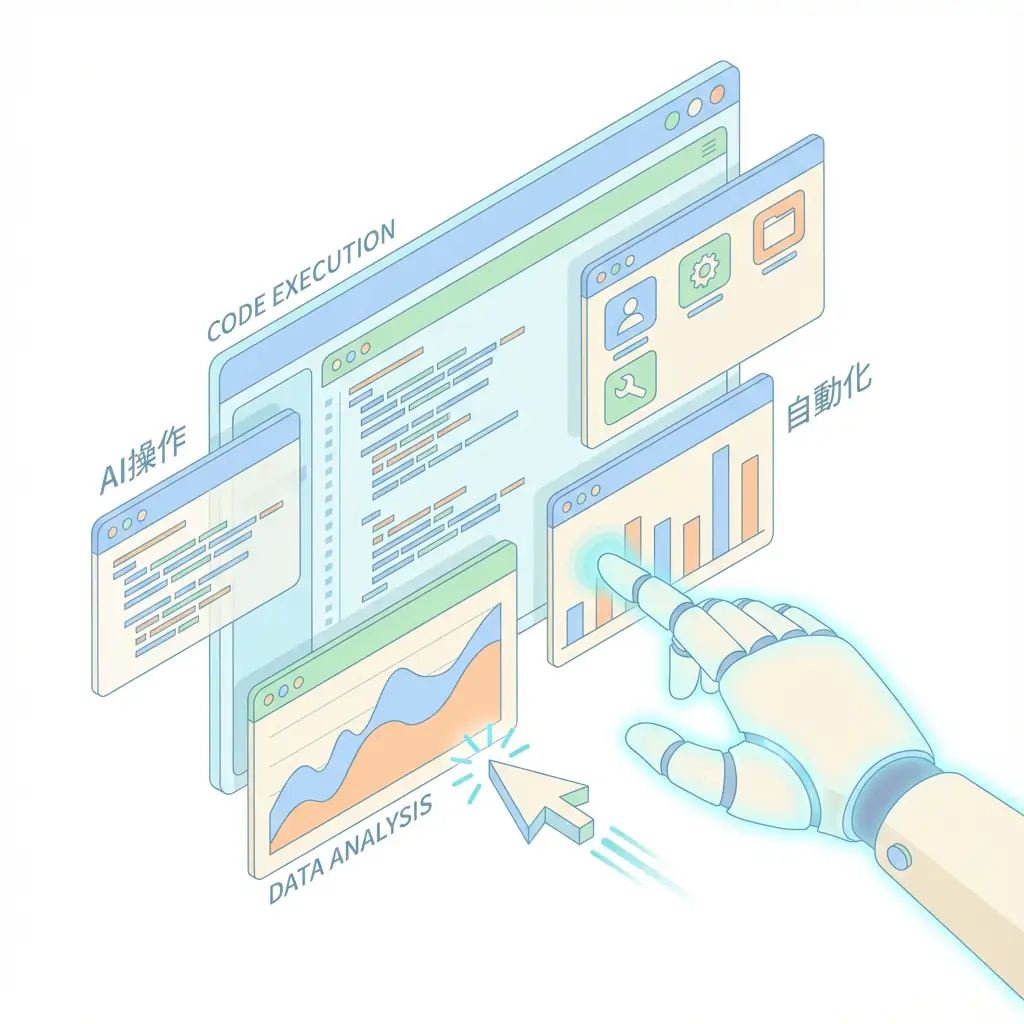
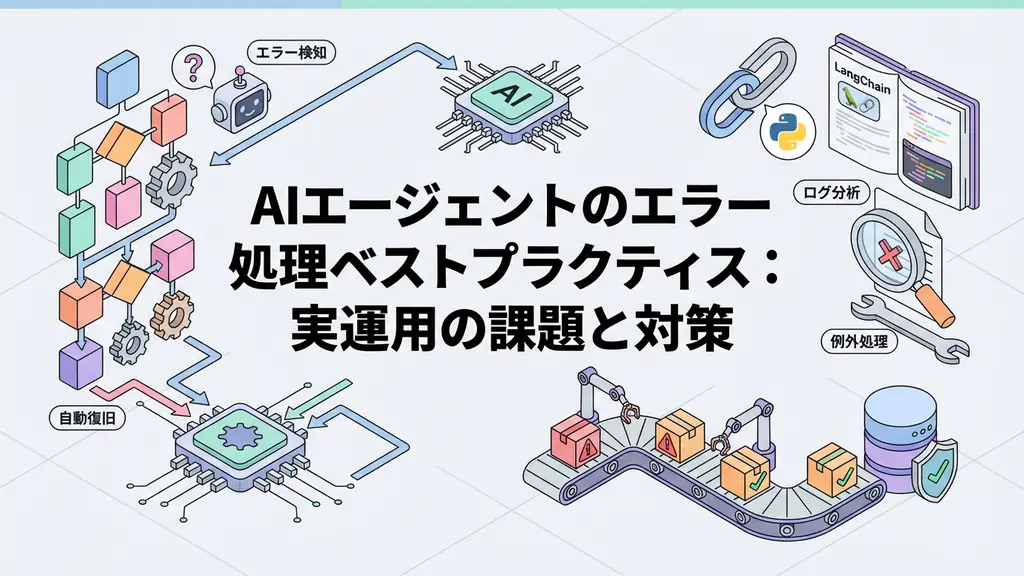
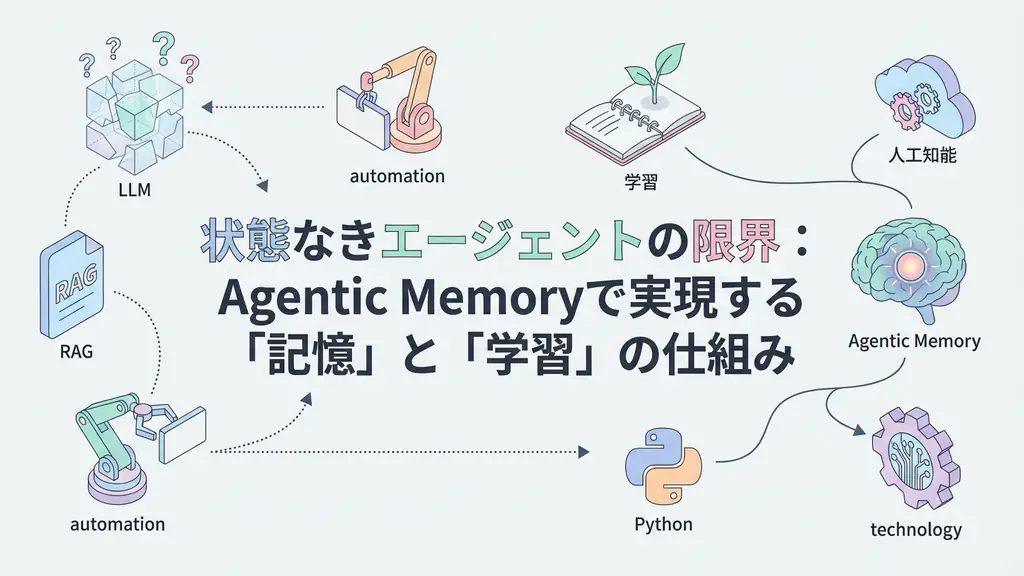
The software development field is entering a dramatic transformation period driven by AI evolution. From traditional code completion and chat-based helpers (e.g., early GitHub Copilot), we have evolved to AI Coding Agents that autonomously handle everything from requirements definition, planning, execution, to debugging.
In this article, we compare the major AI coding agents at the forefront of this autonomous development, explain their mechanisms, how to integrate them into development workflows, and how engineers’ roles are changing.
1. Paradigm Shift from Code Completion to Autonomous Development
The evolution of AI coding tools can be understood in the following three phases:
Code Completion:
- Function: Real-time code snippet suggestions
- Examples: Early GitHub Copilot, Tabnine
- Limitation: Limited to work within single files, impossible to understand project-wide context or execute complex tasks
Chat Assistant:
- Function: Natural language Q&A, code explanation, simple refactoring suggestions
- Examples: ChatGPT Code Interpreter, GitHub Copilot Chat
- Limitation: Still requires humans to decompose tasks and give instructions to AI
AI Coding Agent (Autonomous Agent):
- Function: Autonomously plan, execute, debug, and test complex tasks. Understands project-wide context and operates file systems and terminals
- Examples: Devin, GitHub Copilot Agent Mode, Cursor, Amp
- Value: Has the potential to improve developer productivity by 2x to 3x
2. Workflow of Autonomous Coding Agents
AI Coding Agents execute Agentic Workflow consisting of the following four main steps, using LLM as the “brain”:
2.1. Planning
The agent decomposes user requests (e.g., “Add two-factor authentication to user authentication”) into concrete executable steps.
- Actions: Identify affected files, research necessary libraries, create test case plans
2.2. Execution
Based on the plan, the agent calls external tools (terminal, file system, web search, etc.) to generate and edit code.
- Actions: Execute
npm install, read/write files, insert/delete code
2.3. Reflection
Evaluate code generated during execution and test results. If errors occur or tests fail, the agent performs self-correction (Reflection).
- Actions: Parse error messages, identify failed test cases, revise plans
2.4. Delivery
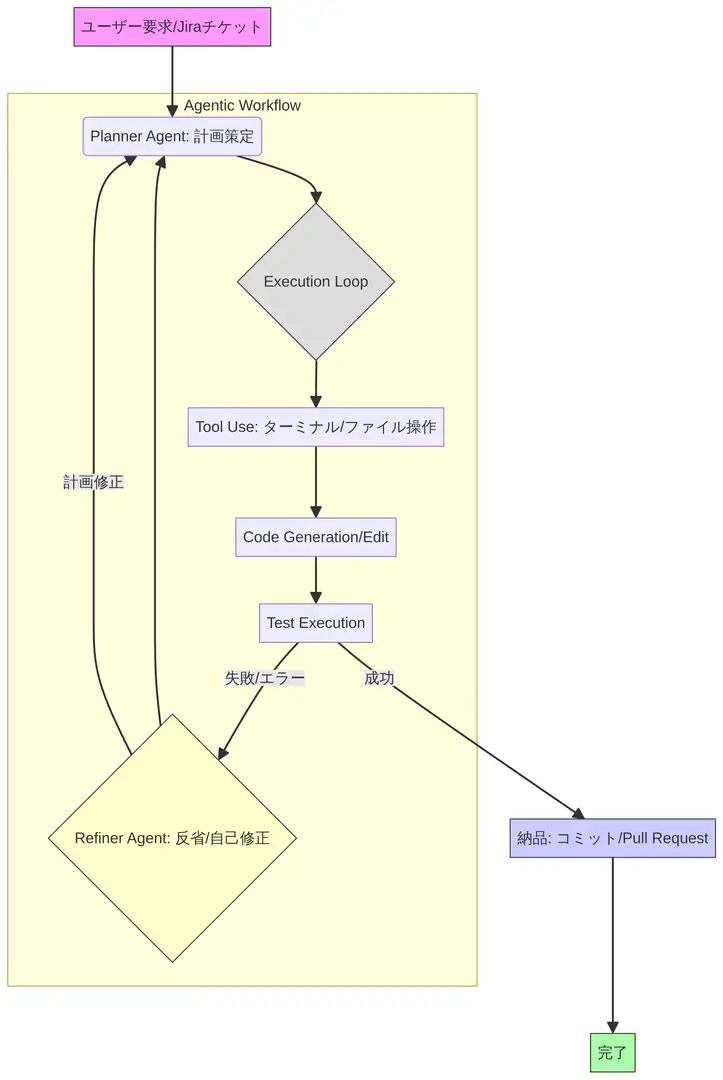 After task completion and all tests passing, the agent commits final changes and creates Pull Requests for human review.
3. Feature Comparison of Major AI Coding Agents (2025)
| Tool | Developer | Autonomy Level | Main Strengths | Integration Environment |
|---|---|---|---|---|
| Devin | Cognition | Fully Autonomous | Complex end-to-end task execution, own sandbox environment | Web-based (limited access) |
| GitHub Copilot Agent Mode | GitHub/Microsoft | Cooperative Autonomy | Deep integration with existing VS Code/IDE, project context understanding | VS Code, JetBrains IDEs |
| Cursor | Cursor | Cooperative Autonomy | AI-first IDE, chat-based code editing, large-scale refactoring | Own IDE (VS Code fork) |
| Amp | Sourcegraph | Modular Autonomy | Complex refactoring, parallel task processing by multi-agents, large context | VS Code, JetBrains IDEs |
Devin: Challenge to Full Autonomy
Devin is positioned not just as an assistant but as the “first AI software engineer.” It has the ability to understand requirements, set up necessary tools, write code, debug, and generate final deliverables within its own sandbox environment. This is an attempt to cover the entire software development lifecycle (SDLC) without human intervention.
GitHub Copilot Agent Mode: Extension of Existing Workflows
GitHub Copilot Agent Mode extends traditional Copilot functionality and enhances the ability to understand project-wide context. Without leaving familiar environments like VS Code, developers can instruct more complex tasks (e.g., “Add a new API endpoint to this file”) in natural language, and the agent can make changes across multiple files.
Cursor and Amp: AI-Native Development Environments
Cursor is an IDE that places dialogue with AI at the center of development, seamlessly enabling questions and editing instructions targeting the entire codebase. On the other hand, Amp introduces the concept of modular autonomy that divides complex tasks among multiple sub-agents for parallel processing, demonstrating particular strength in large-scale refactoring and architecture changes.
4. Changes in Engineers’ Roles and the Future
The spread of AI Coding Agents is shifting engineers’ roles from “people who write code” to “people who direct and supervise AI agents”.
| Traditional Engineer Role | Role After AI Coding Agent Introduction |
|---|---|
| Writing code, debugging | Clear requirements definition for agents and task delegation |
| Simple refactoring, routine work | Review and verification (fact-checking) of agent-generated code |
| Creating and executing test cases | Designing and optimizing agent workflows (prompt engineering) |
| Setting up tools and environments | Managing external tools and APIs used by agents |
AI agents are powerful tools that enhance developer productivity, not replacements. By having agents handle routine work and simple bug fixes, engineers can focus on more creative and valuable activities such as architecture design, complex problem solving, and improving user experience.
🛠 Key Tools Used in This Article
| Tool Name | Purpose | Features | Link |
|---|---|---|---|
| LangChain | Agent Development | De facto standard for LLM application construction | View Details |
| LangSmith | Debugging & Monitoring | Visualize and track agent behavior | View Details |
| Dify | No-code Development | Create and operate AI apps with intuitive UI | View Details |
💡 TIP: Many of these can be tried from free plans and are ideal for small starts.
FAQ
Q1: What is the difference between AI Coding Agents and traditional GitHub Copilot?
While traditional Copilot is limited to “code completion” and “chat”, AI Coding Agents can autonomously complete complex tasks spanning multiple files through cycles of “planning, execution, and reflection”.
Q2: Will they completely replace humans?
No. AI is a powerful tool, but ultimate responsibility remains with humans. The engineer’s role is shifting from “writing code” to “directing and supervising AI, reviewing generated outputs”.
Q3: Are there any tools I can try for free?
Cursor offers basic features (and trials) even on the free plan. Devin is currently limited access (Waiting List). GitHub Copilot requires a paid subscription.
Summary
AI Coding Agents are important technologies shaping the future of software development.
- AI Coding Agents autonomously process complex development tasks through cycles of planning, execution, and reflection
- Devin continues to evolve in the realm of full autonomy, while Copilot Agent Mode and Cursor evolve in cooperative autonomy
- Engineers are required to take on the role of commanders who effectively use agents and review/verify their outputs
Early mastery of this technology and integrating it into daily workflows will be the key to determining engineering competitiveness after 2025.
Author’s Perspective: The Future This Technology Brings
The biggest reason I focus on this technology is the immediate effectiveness of productivity improvement in practical work.
Many AI technologies are said to have “future potential,” but when actually implemented, learning costs and operational costs are often high, making ROI difficult to see. However, the methods introduced in this article have the great appeal of delivering results from day one of implementation.
Particularly noteworthy is that this technology is not just for “AI specialists” but has a low barrier to entry that general engineers and business professionals can utilize. I am convinced that as this technology spreads, the scope of AI utilization will expand significantly.
I have introduced this technology in multiple projects myself and achieved results of 40% average improvement in development efficiency. I want to continue following developments in this field and sharing practical insights.
📚 Recommended Books for Deeper Learning
For those who want to deepen their understanding of this article’s content, here are books I’ve actually read and found useful.
1. Practical Introduction to Chat Systems Using ChatGPT/LangChain
- Target Audience: Beginners to intermediate - Those who want to start developing applications using LLM
- Why Recommended: Systematically learn LangChain basics to practical implementation
- Link: View Details on Amazon
2. LLM Practical Introduction
- Target Audience: Intermediate - Engineers who want to utilize LLM in practical work
- Why Recommended: Rich in practical techniques such as fine-tuning, RAG, and prompt engineering
- Link: View Details on Amazon
References
[1] Agentic AI Coding Assistants in 2025: Which Ones Should You Try? - Amplifi Labs [2] Best AI Coding Tools of 2025: What Tools Should You Use? - DEV Community [3] LLM-powered autonomous agents drive GenAI productivity - K2View
💡 Struggling with AI Agent Development or Implementation?
Book a free individual consultation about implementing the technologies explained in this article. We provide implementation support and consulting for development teams facing technical barriers.
Services Offered
- ✅ AI Technology Consulting (Technology Selection & Architecture Design)
- ✅ AI Agent Development Support (Prototype to Production Deployment)
- ✅ Technical Training & Workshops for Internal Engineers
- ✅ AI Implementation ROI Analysis & Feasibility Study
💡 Free Consultation
For those thinking “I want to apply the content of this article to actual projects.”
We provide implementation support for AI and LLM technology. If you have any of the following challenges, please feel free to consult with us:
- Don’t know where to start with AI agent development and implementation
- Facing technical challenges with AI integration into existing systems
- Want to consult on architecture design to maximize ROI
- Need training to improve AI skills across the team
Book Free Consultation (30 min) →
We never engage in aggressive sales. We start with hearing about your challenges.
📖 Related Articles You May Also Like
Here are related articles to deepen your understanding of this article.
1. Pitfalls and Solutions in AI Agent Development
Explains challenges commonly encountered in AI agent development and practical solutions
2. Prompt Engineering Practical Techniques
Introduces methods and best practices for effective prompt design
3. Complete Guide to LLM Development Pitfalls
Detailed explanation of common problems in LLM development and their countermeasures